User Guide
DBMojo is a suite of five independently-installable data tools — Detanami (database management), DataMosaic (visualization), Flow (pipeline orchestration), and Smith (AI-assisted API development), and Blueprint (data modeling) — unified by DBMojo Core, the platform that gives them single sign-on, a shared credential vault, version control, and centralized auditing. This guide covers what each tool does, how to use it, and walks through real examples with screenshots from a live install.
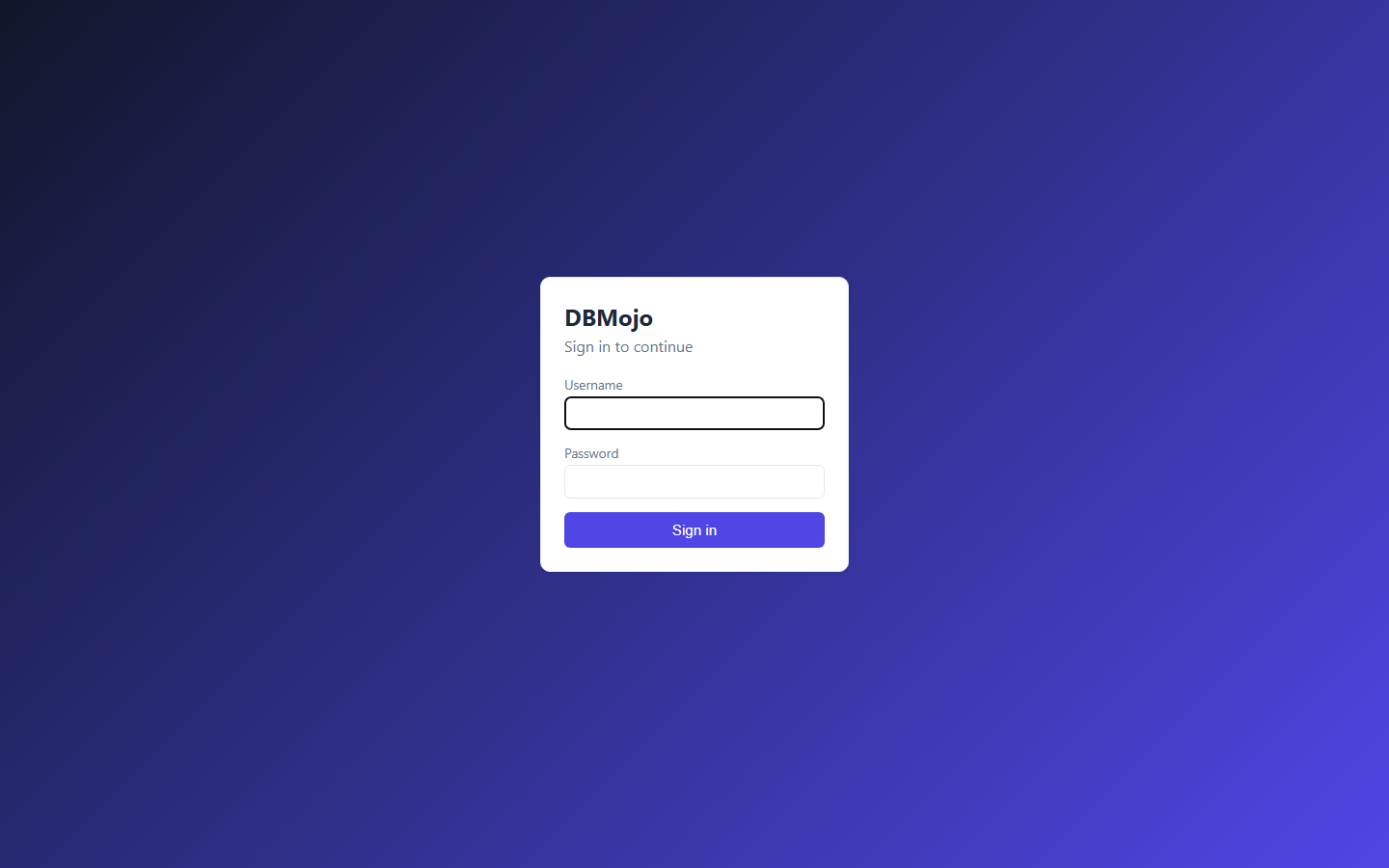
Every tool authenticates through DBMojo Core — there's no separate login per tool. Core's own accounts and, for organisations that want them, OpenID Connect (including EntraID) and SAML 2.0 identity providers (see Enterprise authentication) all end in the same session. Sign in once at Core's URL (http://localhost:5000 in a local install) and you're signed in everywhere: Detanami, DataMosaic, Flow, and Smith all read the same session.
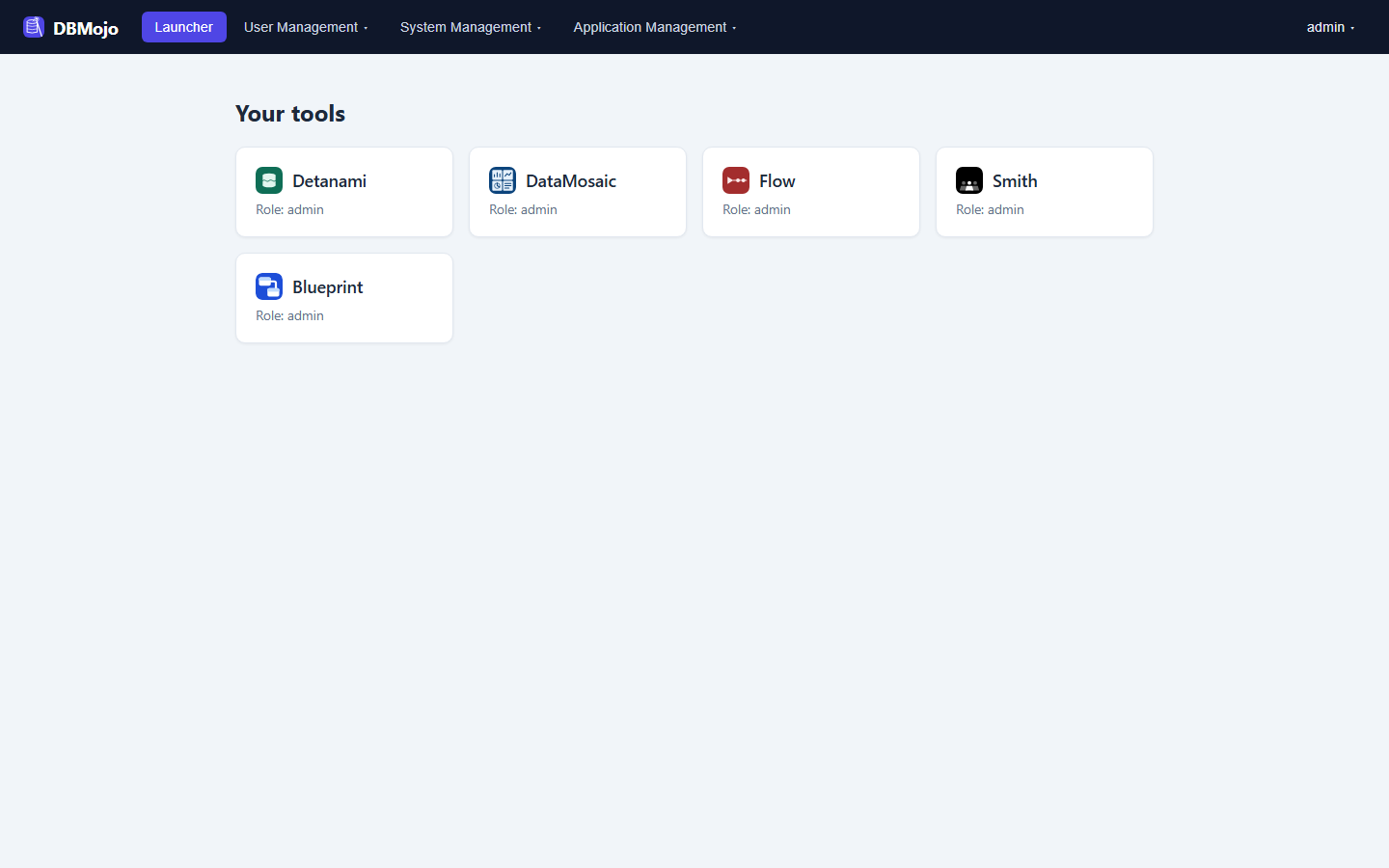
Your role for each tool (admin, or a tool-specific role like developer or analyst, the same pair for every tool) is assigned by a suite admin under User Management. A tool with no role assigned — like Smith in the screenshot above — simply won't open for you.
Core isn't a proxy sitting in front of the tools — it's the identity, credential, and audit layer they all read from directly. None of the tools can run without a Core instance to authenticate against. See the full Core reference for Deployments, CI/CD Tokens, Migration Conflicts, Version Control, and every System Management page, plus container install and the MCP server. To run the whole suite in containers behind one hostname, see Docker Deployment.
The audit log is hash-chained: each entry's SHA-256 hash incorporates the previous entry's, so Core can verify the whole chain on an hourly sweep and immediately tell a legitimate retention prune apart from tampering or deletion (an exact checkpoint is recorded before anything is pruned). Retention presets in Audit Settings are named after common compliance frameworks as day-count shortcuts — a starting point for your own review, not a certification claim.
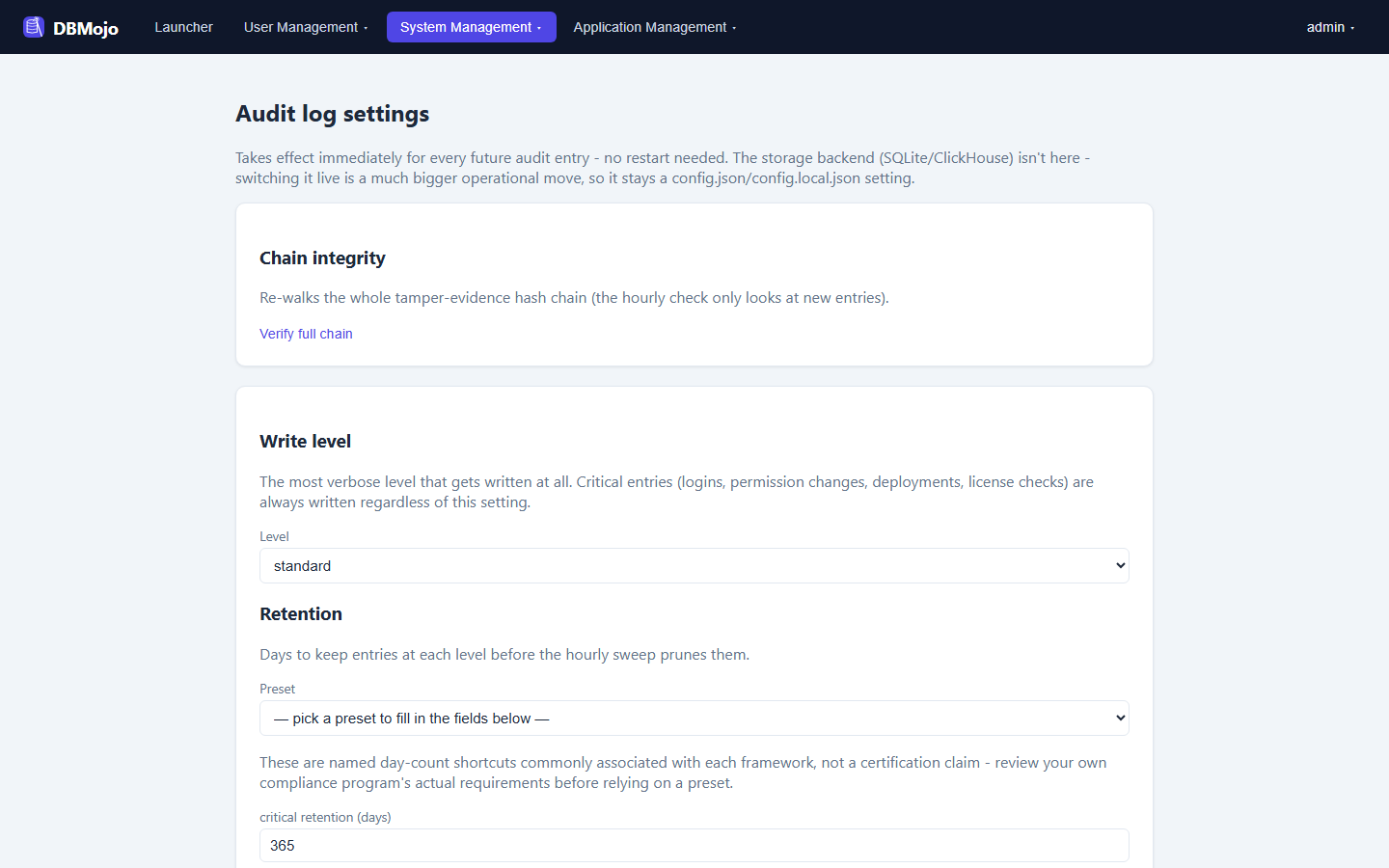
A new auditor suite role provides real segregation of duties: once an active auditor account exists, only that role — not a plain admin — can change audit settings, so the people generating audit-worthy activity aren't the same people who can quietly loosen what gets recorded. A solo or small install with no auditor account yet is never locked out; admin keeps access until one exists.
For external SIEM integration, an optional syslog export sits alongside the local hash-chain as an off-by-default upgrade path.
Detanami, DataMosaic, Flow, and Smith each run their own instance of a shared, self-hosted AI layer — DBMojo's "AI DBA Agent." It shows up as a few concrete features rather than one single screen:
Core itself never connects to a target database for any of this — every read, write, or EXPLAIN happens in whichever tool already holds the connection; Core only stores and serves what gets pushed to it, the same way it already does for the audit log.
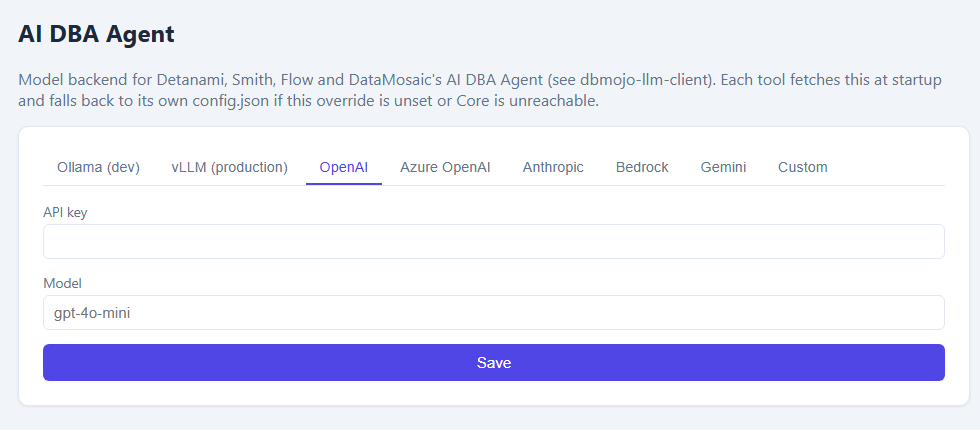
Rather than each tool hard-coding its own AI backend, Core's Application Management → AI DBA Agent page sets a suite-wide override — Ollama for development, vLLM for production, OpenAI, Azure OpenAI, Anthropic, Bedrock, Gemini, or a custom LangChain-compatible backend — that every tool fetches at boot. A tool falls back to its own local config.json automatically if Core is unreachable or no override is set, so this is a convenience, not a new hard dependency.

Beta
Database management console. SQL workbench for MySQL, MariaDB, Doris, PostgreSQL, TimescaleDB, Redshift, MSSQL, Azure SQL, Oracle, SQLite, DuckDB, IBM DB2, Firebird, Snowflake, BigQuery, Athena, Spanner, Trino, Presto, Iceberg, Cassandra, Neo4j, InfluxDB, Couchbase, Elasticsearch, OpenSearch, and Solr, plus dedicated Redis, Valkey, MongoDB, and CouchDB consoles — with AI-assisted query tuning built in.

In development
Drag-and-drop dashboards over sample data, spreadsheets, or live REST APIs — with real-time collaboration and a one-click DBOps view of fleet telemetry.

In development
A Node-RED-style visual workflow builder for data pipelines — databases, HTTP, MQTT, email, and more, plus AI DBA nodes that poll and report database health.

In development
An AI-agent notebook: chat with a local LLM to generate SQL and Data APIs against a real schema, run them, and preview the generated API instantly.

In development
A web-based data modeler: reverse-engineer a schema onto an ER canvas, edit it, generate DDL, compare it with the live database, and file the change as an approved deployment.
 DBMojo Docs