Orchestration
 Flow
FlowA visual, drag-and-drop workflow builder for data automation — inspired by Node-RED's editing model. Wire nodes together on a canvas and click Deploy: timers fire, webhooks respond, database queries execute, and every message that reaches a Debug node streams to the editor in real time.
Home lists every flow you have access to, each tagged DEPLOYED or STOPPED. Open one to reach the editor: a canvas in the middle, the node palette on the left, and a properties panel on the right that appears when a node is selected.
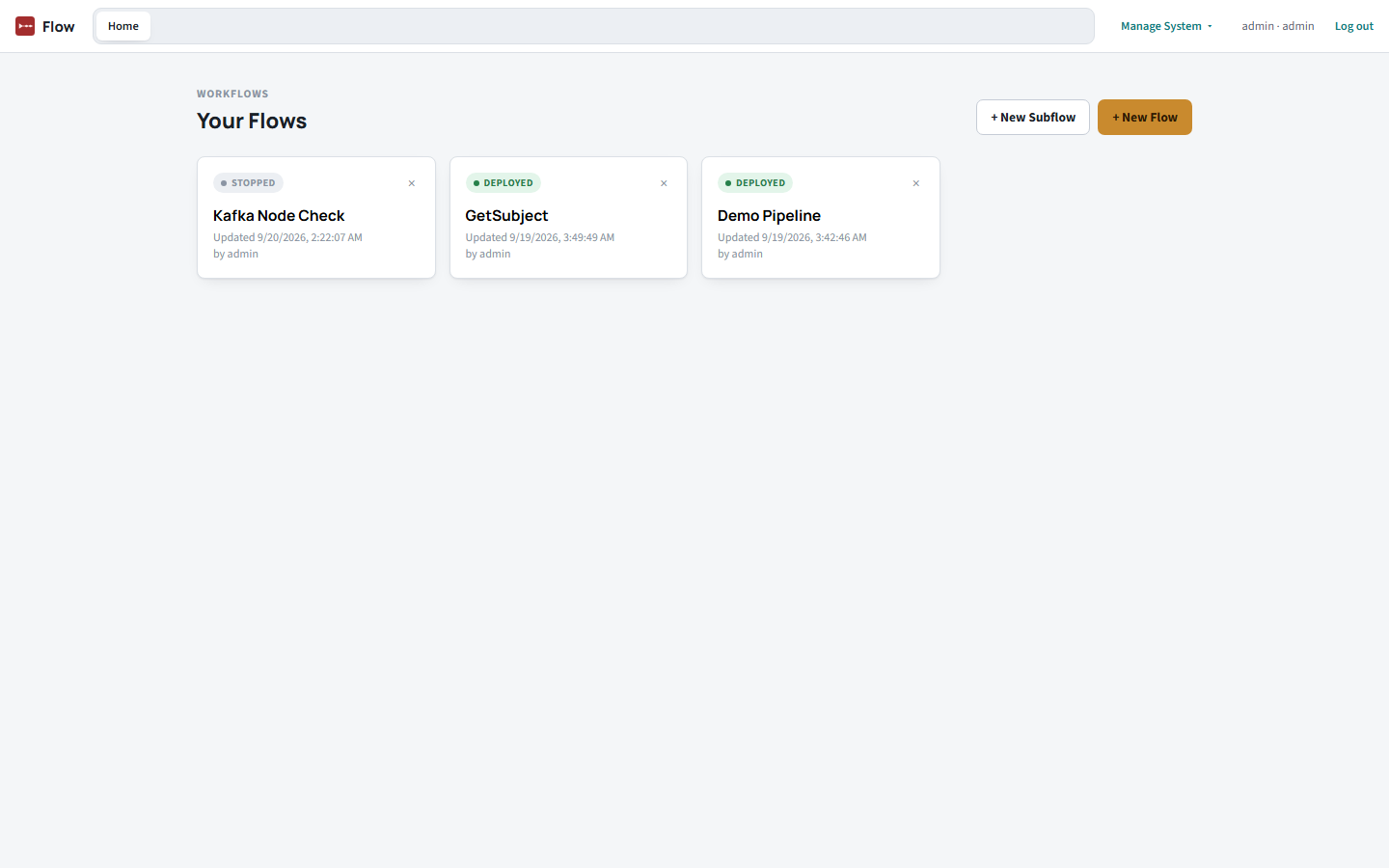
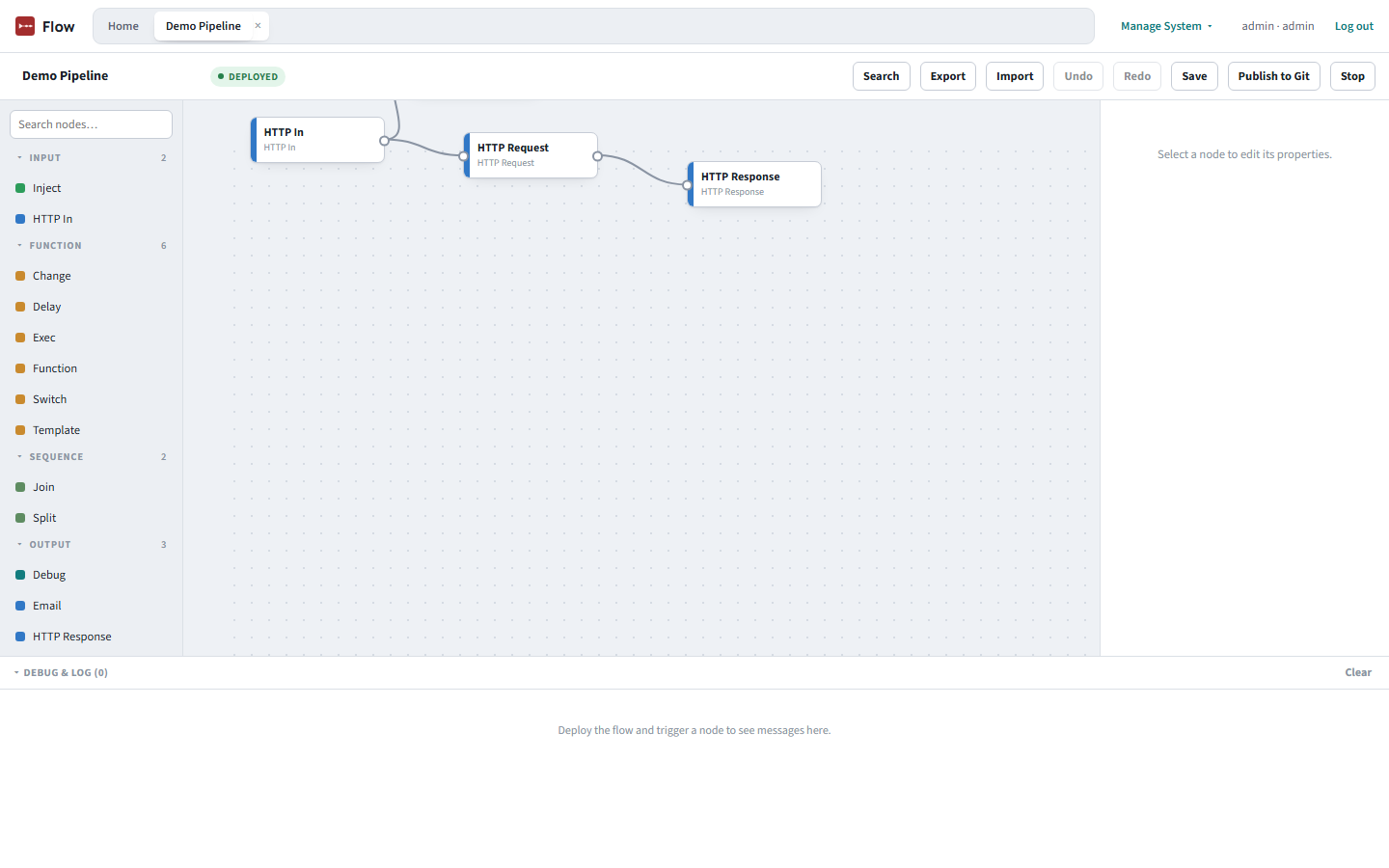
Across the top: Search (find nodes within the current flow), Export/Import (JSON), Undo/Redo, Save, Publish to Git, and Deploy/Stop.
The left palette — the Toolbox — organizes node types into collapsible categories (Input, Function, Sequence, Output, Network, Storage, Parsers, Config, Subflow, Data Ops, ...) with a search box that filters by label or type across every category at once. Collapsed state persists across reloads.
| Category | Example nodes |
|---|---|
| Input | Inject (manual/interval/cron), HTTP In |
| Function | Function (arbitrary JS), Switch, Change, Template, Delay/Rate Limit, Exec |
| Sequence | Split, Join |
| Output | Debug, HTTP Response, Email |
| Network | HTTP Request, MQTT In/Out, WebSocket In/Out, TCP In/Out, Kafka In/Out |
| Storage | File Read/Write (sandboxed), Database Query (SQLite/MySQL/PostgreSQL) |
| Data Ops | Telemetry Poller, Index Evaluator, Open Git PR |
| Config | MQTT Broker, WebSocket Broker, Kafka Broker (shared connection settings, referenced by the In/Out nodes) |
Drag a node from the Toolbox onto the canvas, then draw a connection from one node's output dot to another's input dot to wire them together.
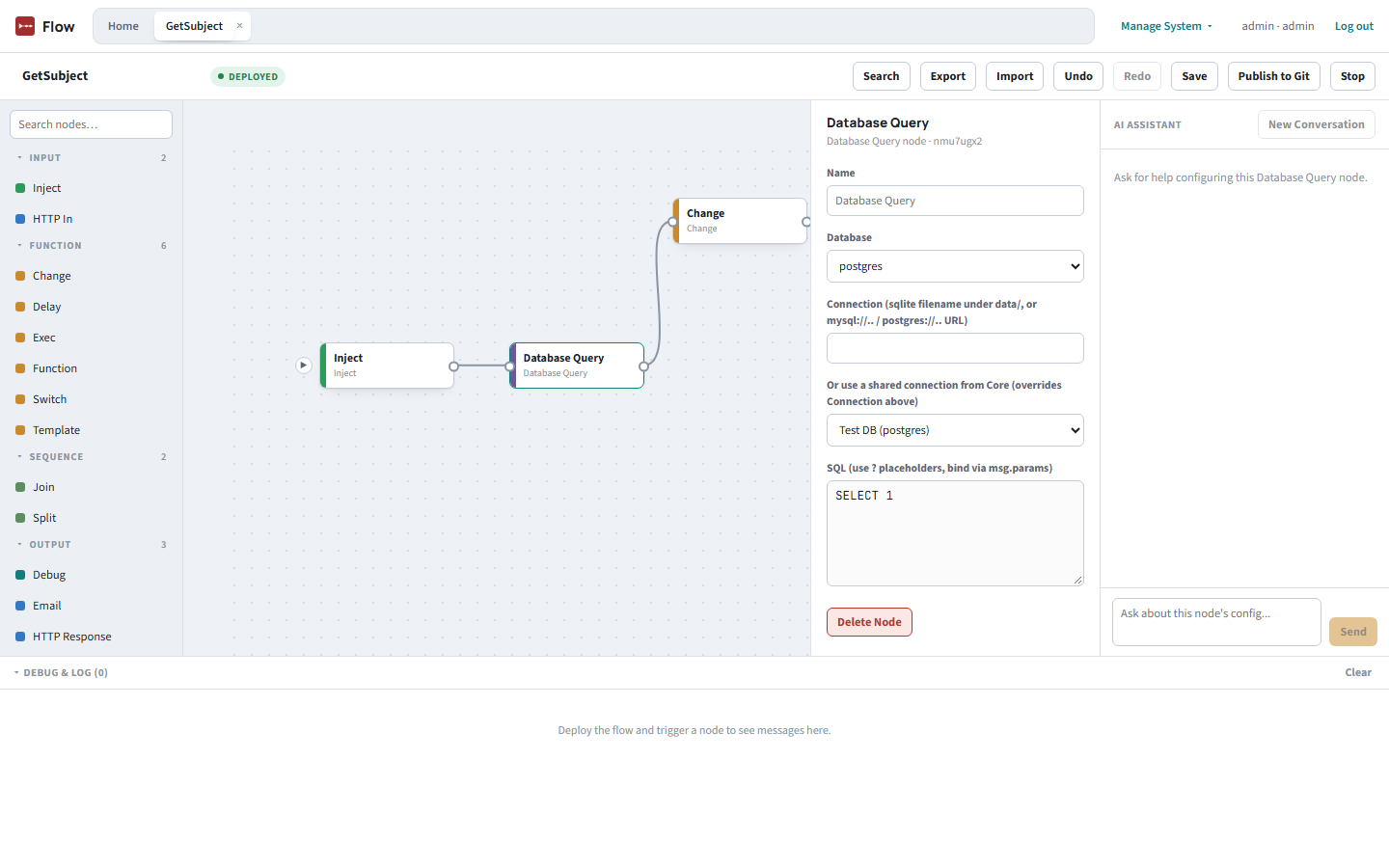
Click any node to open its properties in the right-hand panel. A Database Query node, for example, can point at a raw connection string — or, just like Detanami and Smith, pull a shared connection from Core instead, so the same credential defined once in Core's vault works here with no re-entry.
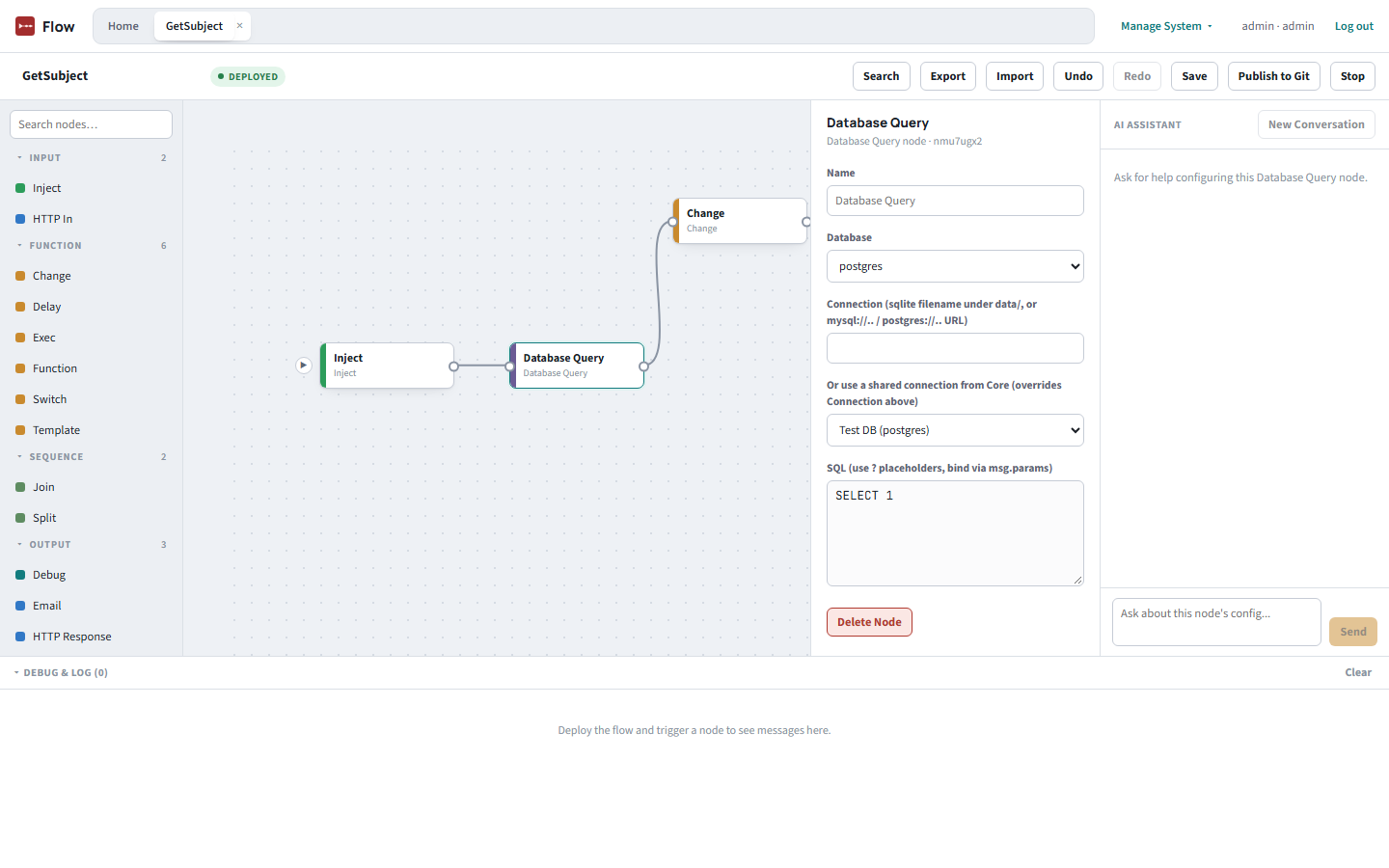
Database Query never interpolates values into SQL text directly — bind parameters through msg.params with ? placeholders, translated to $1, $2, ... automatically for PostgreSQL.
Join has two modes. The default, auto, reassembles the output of a Split using msg.parts. The new count mode is for fanning parallel branches back into one — for example two database queries wired into the same Join — where there is no msg.parts to key on.
Flow can consume from and publish to Apache Kafka, using the same config-node pattern as MQTT and WebSocket: a Kafka Broker config node holds the connection (brokers, client ID, TLS, and SASL mechanism, username and password), and any number of Kafka In and Kafka Out nodes reference it. The SASL password is credential-flagged, so it is encrypted at rest like Flow's other secrets.
Every message that reaches a Debug node streams into a docked Debug & Log panel under the canvas. The panel holds a fixed height and scrolls inside itself, so a long log no longer squeezes the canvas away, and it always jumps to the newest entry when output arrives or when you re-expand it, so the result of the run you just triggered is never out of sight. Clear empties it. The trade-off: a flow that emits output every second keeps pulling the log to the bottom, so older entries are hard to read while it streams — Stop the flow, or Clear, to read in peace.
The same right-hand column that shows a node's properties can also show an AI Assistant scoped to that exact node — it sees the node's field schema and current values, so a suggestion can be applied straight to one field with a per-field Apply button (wired into the same undo/redo path as a manual edit). Credential-flagged fields never get an Apply button.
Two Data Ops nodes turn Flow into the suite's telemetry collector: Telemetry Poller polls a Shared Data Connection on a schedule for health metrics (like connection utilization), and Index Evaluator checks for unused indexes. Both push what they find to DBMojo Core, which stores it and prunes it on a retention schedule — Core never queries the target database itself.
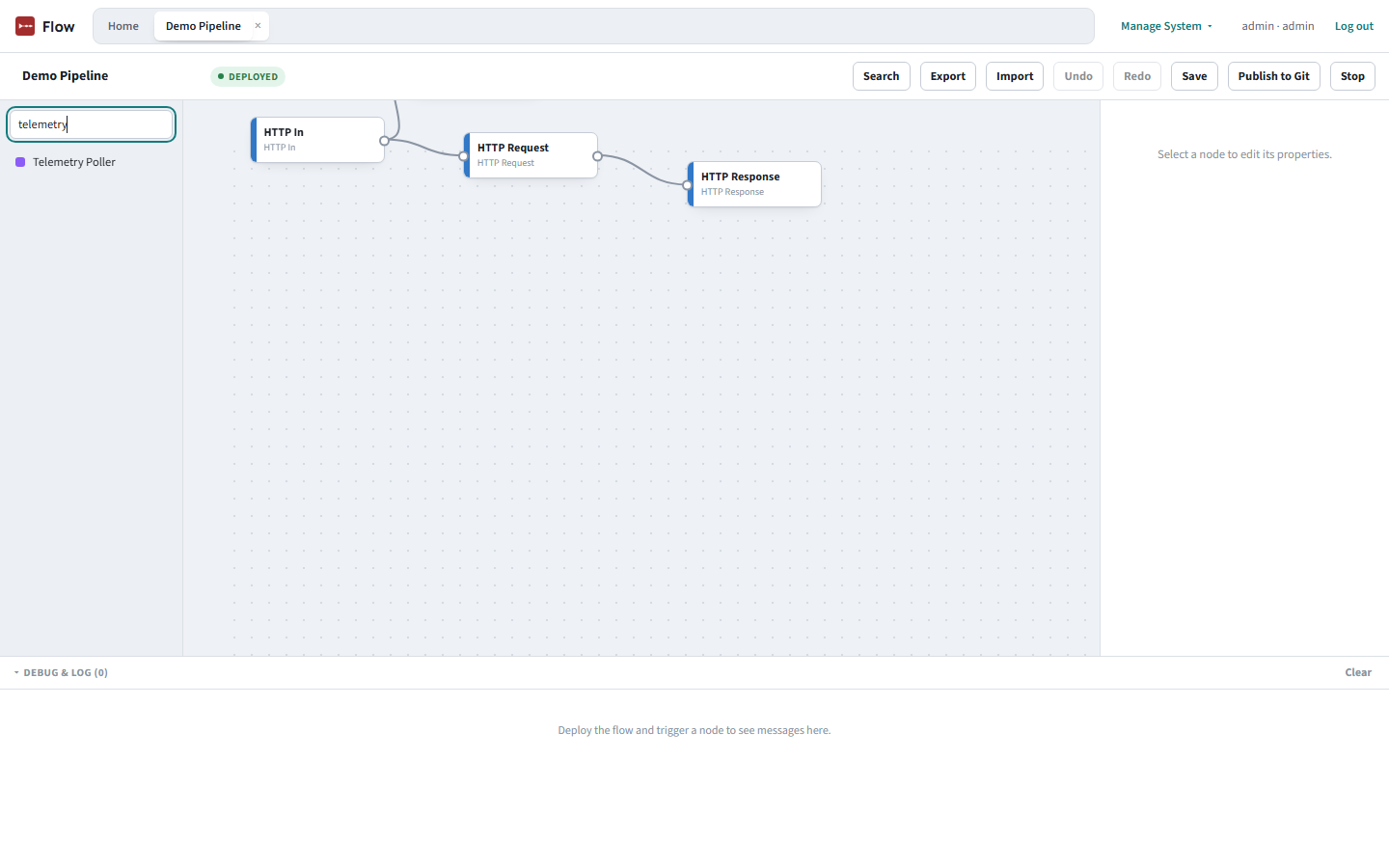
That pushed data is exactly what feeds DataMosaic's DBOps Dashboard — deploy a Telemetry Poller here, then go build a dashboard over there to see it charted.
Coverage: Telemetry Poller supports PostgreSQL/TimescaleDB, MySQL/MariaDB, MSSQL/Azure SQL, Oracle, IBM DB2, and Amazon Redshift; Index Evaluator supports PostgreSQL/TimescaleDB, MySQL/MariaDB, MSSQL/Azure SQL, and IBM DB2; the Database Query node reaches SQLite, MySQL/MariaDB/Doris, PostgreSQL/TimescaleDB, DuckDB, DB2, Firebird, Snowflake, BigQuery, Athena, Spanner, Trino/Presto/Iceberg, Cassandra, Neo4j, InfluxDB, Solr, OpenSearch, Couchbase (N1QL), and Elasticsearch (SQL) (Oracle's execution-plan model doesn't expose the same "unused index" signal the others do).
The editor's Publish to Git button commits the current flow to a connected GitHub, GitLab, or Bitbucket repository — DBMojo Core's Version Control integration, available from any tool through a common Git-provider interface rather than being hardcoded to one host. When a flow is deployed against a connection that needs approval, the request filed in Core now carries the flow's full node definition, so an approver can read what the flow does before deciding — see Deployments.
The Function node runs your JavaScript inside a Node vm context with no access to require/module/process — the same contained-trust model Node-RED's own Function node uses. The Exec node runs an OS process with the server's own privileges via spawn and an argv array (never a shell string), and — like Function — is restricted to the editor/admin roles. Credential-flagged fields (a Database Query connection string, an Email SMTP password, an MQTT Broker password) are encrypted at rest.
 DBMojo Docs